

Planning to automate your work! There are several tools available to assist you with this. n8n is one of those tools that will make your job easier and simpler. The automation tool will help you with a flexible and easy-to-use tool for us to focus on work instead of being engaged in tasks that can be done by artificial intelligence.
In this blog, we’ll take you to the most widely used tool for automation, n8n, its features, pros and cons, and the top 10 alternatives to n8n. This article will give you a clear review of the alternatives according to the our experience.
What is n8n?
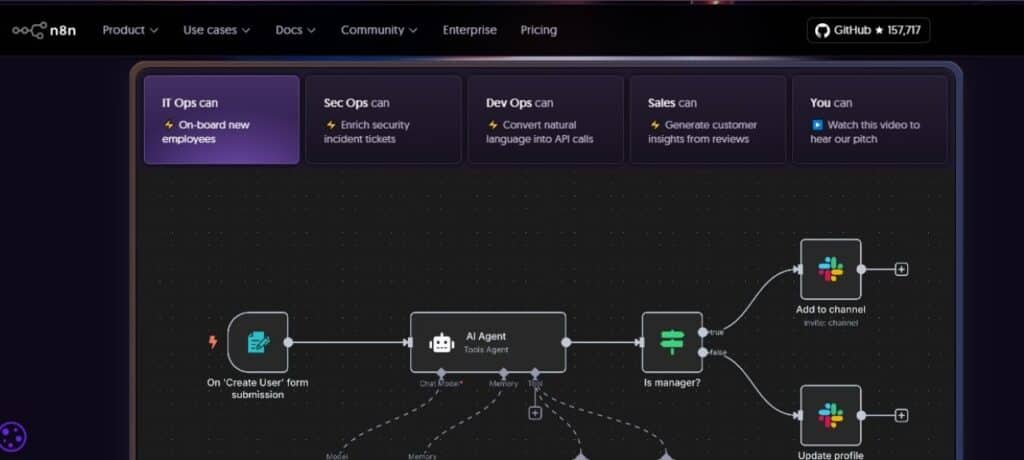
n8n is an application and a web-based automation tool. It helps to create a workplace for your small tasks, so that you don’t need to jump from one platform to another while working. It has offers:
- High customization
- Self-hosting
- A wide list of integrations
- A visual drag-and-drop editor
- A fair-code license
We love it for its flexibility, but it’s not perfect for everyone.
n8n Features and User Cases
n8n provides features that can help you automate your tasks. Some of the features that will help users make their tasks easier are as follows:
- Building AI agents
- IT operations
- Security operations
- Embedded automation
- Lead automation
- Supercharge your CRM
- Limitless integrations
- Backend prototyping
n8n Pricing
| Plan | Price (USD, approx) | Plan Includes |
| Starter | ~ US$23.44 / month | – Ideal for beginners who want to try automation – About 2.5k workflow runs each month – 1 shared project – 5 workflows can run at the same time – Unlimited team members – 50 AI Workflow Builder credits – Basic community forum help |
| Pro | ~ US$58.59 / month | – 10k monthly workflow runs – 3 shared projects – 20 parallel executions – 7 days of workflow analytics – 150 AI Workflow Builder credits – Admin permissions – Global variables support – Workflow history logs – Execution search |
| Business | ~ US$782.00 / month | – 40k workflow runs each month – 6 shared project spaces – SSO, SAML, and LDAP login options – 30 days of analytics and insights – Team-ready AI Workflow Builder (coming soon) – Support for multiple deployment environments – Scaling tools for larger teams – Git-based version control – Higher-priority forum help |
| Enterprise | Custom / Contact Sales | – Unlimited shared projects – 200+ concurrent executions – 1 year of workflow insights – 1000 AI Workflow Builder credits (coming soon for self-hosted) – External secrets management – Log streaming support – Extended data retention – Premium SLA-backed support – Invoice billing for corporate teams |
Limitations of n8n
Based on real user reviews from different reviewing platforms like G2, Trustpilot, and so on, here are the key areas where n8n struggles:
1. Steeper Learning Curve
Non-technical users often say that n8n feels overwhelming at first. It’s powerful, but not always “plug-and-play.”
2. Requires Maintenance (if self-hosted)
Users mention dealing with server updates, security patches, hosting costs, and overall upkeep.
3. Occasional Stability Issues
People report:
- Random node failures
- Workflows are breaking after updates
- Heavy workflows are slowing down the interface
4. Limited Support
Compared to commercial automation tools, support can feel slower and more community-driven.
5. UI Feels Heavy
The editor gets slower with bigger workflows, especially in browser-heavy environments.
Because of these reasons, many of us looking for more polished iPaaS tools and open source alternatives. Now take a look at the top 10 alternatives of n8n.
Best Free and Paid n8n Alternatives
Looking for n8n alternatives, here is the list of the 10 best alternatives to make your work easy and simple. We have also mentioned the best tools with their review given by the users on the rating platforms Capterra and G2.
1. Zapier
- Type: Free + Paid
- Category: No code workflow builder
- Ratings: 4.7 out of 5 on Capterra and 4.5 out of 5 on G2.
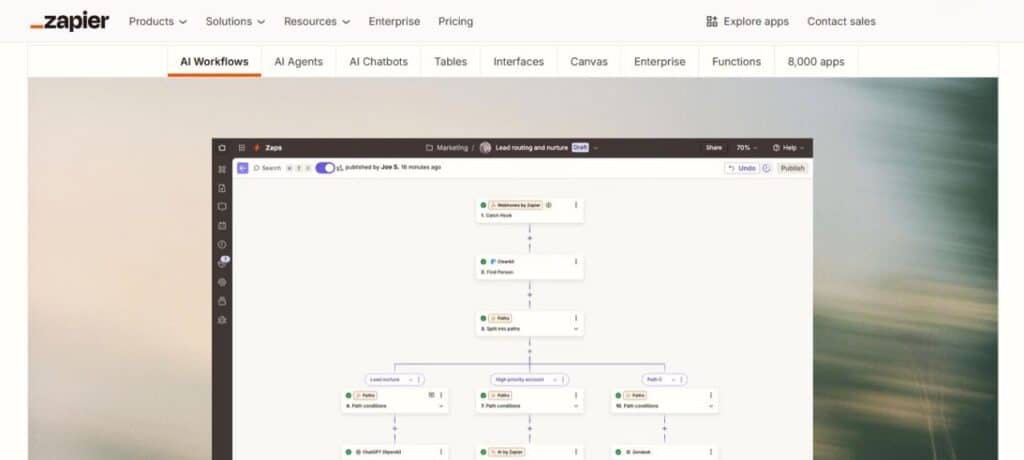
One of the most popular apps for automating tasks that can be done through a single tab is Zapier. It is also known as iPaaS (integration platform as a service). This is simple and can be used by people who don’t have much information about technology. It is faster than n8n.
Pros
- Extremely easy to use
- Huge integration library
- Solid reliability
- Fast customer support
Cons
- Higher pricing for heavy usage
- Limited flexibility for advanced logic
- Some actions cost multiple “tasks,” which adds up
2. Make (formerly Integromat)
Make is one of the closest tools to n8n in terms of visual workflow power. It’s widely loved by creators, freelancers, and automation pros because of its beautiful interface and deep control.
Pros
- Visual workflows make debugging easy
- Tons of integrations
- Affordable pricing
- Advanced logic and branching
Cons
- Takes time to master
- Runs can fail if scenarios get too large
- Some say support responses feel slow during peak times
Related read: Top Ad Intelligence Tools to Replace Adthena in 2026
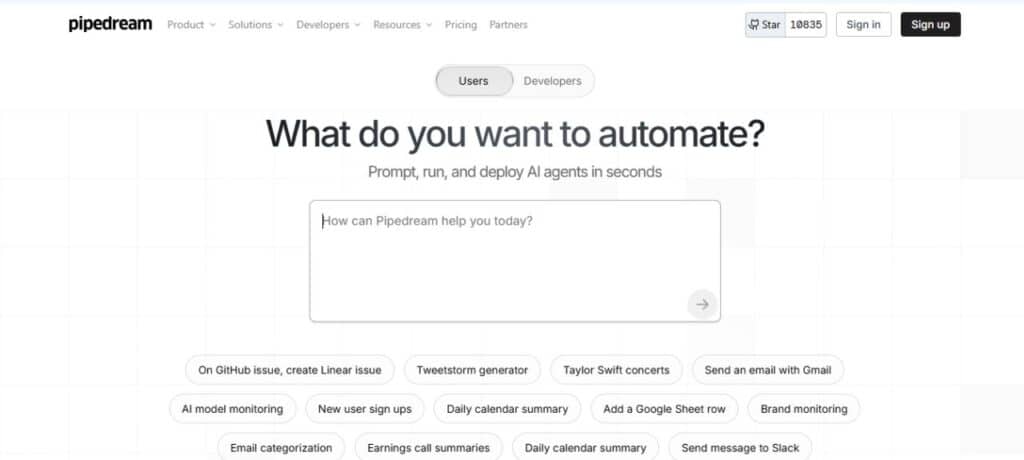
3. Pipedream
- Type: Free + Paid
- Category: Developer-focused automation tool
- Ratings: 5 out of 5 on Capterra and 4.6 out of 5 on G2.
Pipedream blends no-code and code in one place. Users say it feels like a modern automation engine for technical teams.
Pros
- Ability to write code inside workflows
- Fast and responsive UI
- Great for API-based tasks
- The free plan is generous
Cons
- Not ideal for non-technical users
- Some integrations are community-made
- Interface can feel too complex for simple workflows
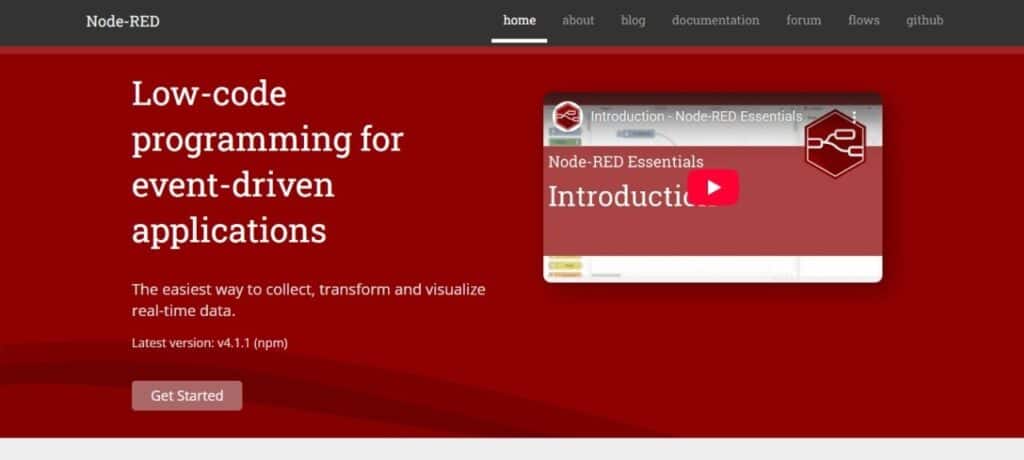
4. Node-RED
- Type: Fully Free
- Category: Open source automation
- Ratings: 4.8 out of 5 on Capterra and 4.5 out of 5 on G2.
It is a tool originally developed by IBM. Node-RED is used mostly in IoT, low-code programming, and custom scripts. It is an open source, which means you can use this tool freely, without being charged.
Pros
- Completely free
- Highly customizable
- Great for edge devices and IoT
- Huge community
Cons
- Not beginner-friendly
- Requires hosting and set-up
- UI looks outdated
- Can get slow with complex flows
5. Activepieces
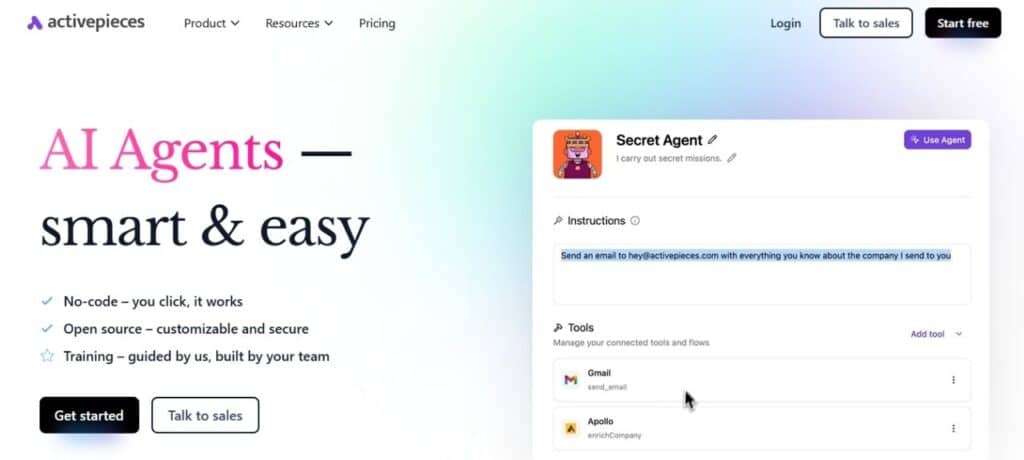
Activepieces is a no-code tool, where you don’t need to worry about writing a whole code. You can simply click, and your automation tool for easing your work is ready.
Pros
- Clean and simple UI
- Easy to learn
- Good mix of open-source and cloud features
- Fast-growing integration list
Cons
- Not as flexible as n8n
- Limited advanced functions
- Some users want more triggers/actions
6. Workato
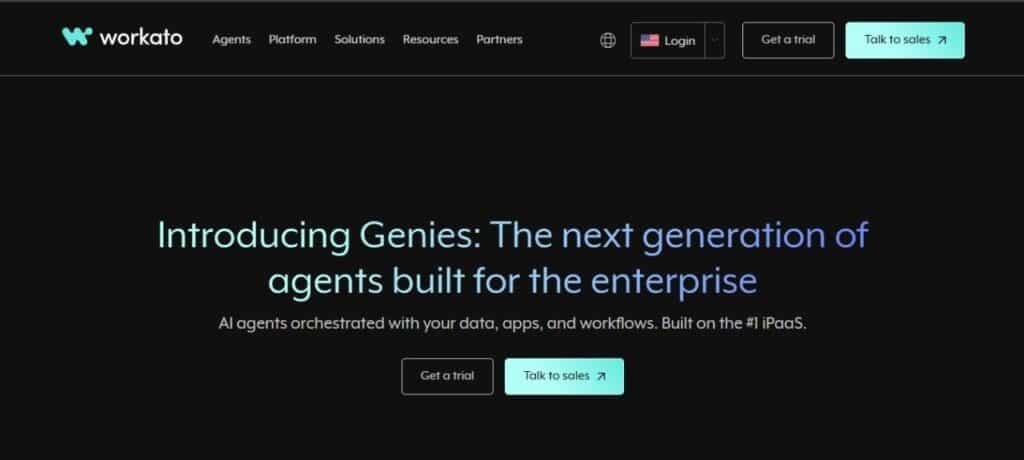
Workato is also a no-code, cloud-based software that will automate your tasks into a single platform. It regarded itself as the best automation tool in the market.
Pros
- Enterprise-grade security
- Very stable automations
- Deep integrations with business tools
- Excellent customer support
Cons
- Very expensive
- Steep learning curve
- Setup can be time-consuming
Related read: 12 Techniques for Making AI-Generated Content Sound More Human-Like
7. Apache Airflow
- It is both a free and an open-source solution.
- Category: Workflow orchestration (technical)
- Ratings: 4.6 out of 5 on Capterra and 4.4 out of 5 on G2.
Apache Airflow is ideal for people who need large-scale automation and data pipelines. This is mostly used in IT organizations and is used by engineers.
Pros
- It has a powerful integration property
- It handles complex tasks easily
- Affordable and easy customization
- Strong community
Cons
- Required technical knowledge
- Requires infrastructure
- UI feels complex and dated
8. Tray.ai
Tray.ai is best for simplifying the process of integrating different software for business usage. This is a cloud-based tool.
Pros
- Strong automation capabilities
- Clean interface
- Good for scaling large workflows
- Good support team
Cons
- Expensive for smaller teams
- Workflows can feel slow
- Takes time to understand
9. Gumloop
- Type: Free + Paid
- Rating: 5 out of 5 on Producthunt.
Gumloop is capable of integrating data, apps, and AI. It has a simple interface, making it easy for beginners to start.
Pros
- Simple for beginners
- Strong AI features
- Good for scraping, data tasks, and repetitive work
- Helpful customer support
Cons
- Some tools feel basic
- Workflows can hit limits on the free plan
- Needs more integrations
10. Empler AI
- Type: Free + Paid
- Ratings: 7 out of 10 on Originality and 4.5 out of 5 on G2.
Empler AI is useful for GTM teams. It helps them build AI agents that can increase efficiency and reduce time wastage.
Pros
- Good balance of AI and automation
- Simple UI
- Strong value for price
- Quick setup
Cons
- Needs more documentation
- The integrations list is still growing
- AI actions may require tuning
Comparison Table: N8N Alternatives (Quick Overview)
| Tool | Free Plan | Paid Plan Starts |
| Zapier | Yes | $19.99/mo |
| Make.com (Integromat) | Yes | $9/mo |
| Pipedream | Yes | $20/mo |
| Node-RED | Fully Free | None |
| Activepieces | Yes | $9/mo |
| Workato | No | $10,000+/yr |
| Apache Airflow | Free | None |
| Tray.io | No | $600/mo |
| Gumloop | Yes | $29/mo |
| Empler AI | Yes | $25/mo |
Related: How AI and Strategy Are Affecting SEO Pricing
FAQs
Both are good. It depends on what we want it for. The purpose and need of the us will decide what is good for you. Zapier is easier. However, n8n is more powerful but takes time.
Zapier is better if you want:
– Fast setup
– No hosting
– Simple workflows
– Easy troubleshooting
n8n is better if you want:
– Flexibility
– Self-hosting
– Custom logic
– Open-source control
Both are good based on your purpose of use:
Make is more polished, stable, and visually easier to understand. And n8n is more customizable and open-source.
Make wins for:
– Workflow visualization
– UI design
– Stability
n8n wins for:
– Custom logic
– Developer flexibility
– Self-hosting
Zapier is used to automate tasks between different apps without writing any code. It connects your tools so actions happen automatically.



Pingback: 6 Best Software to Manage Hybrid Office Schedules - Pulse of Strategy